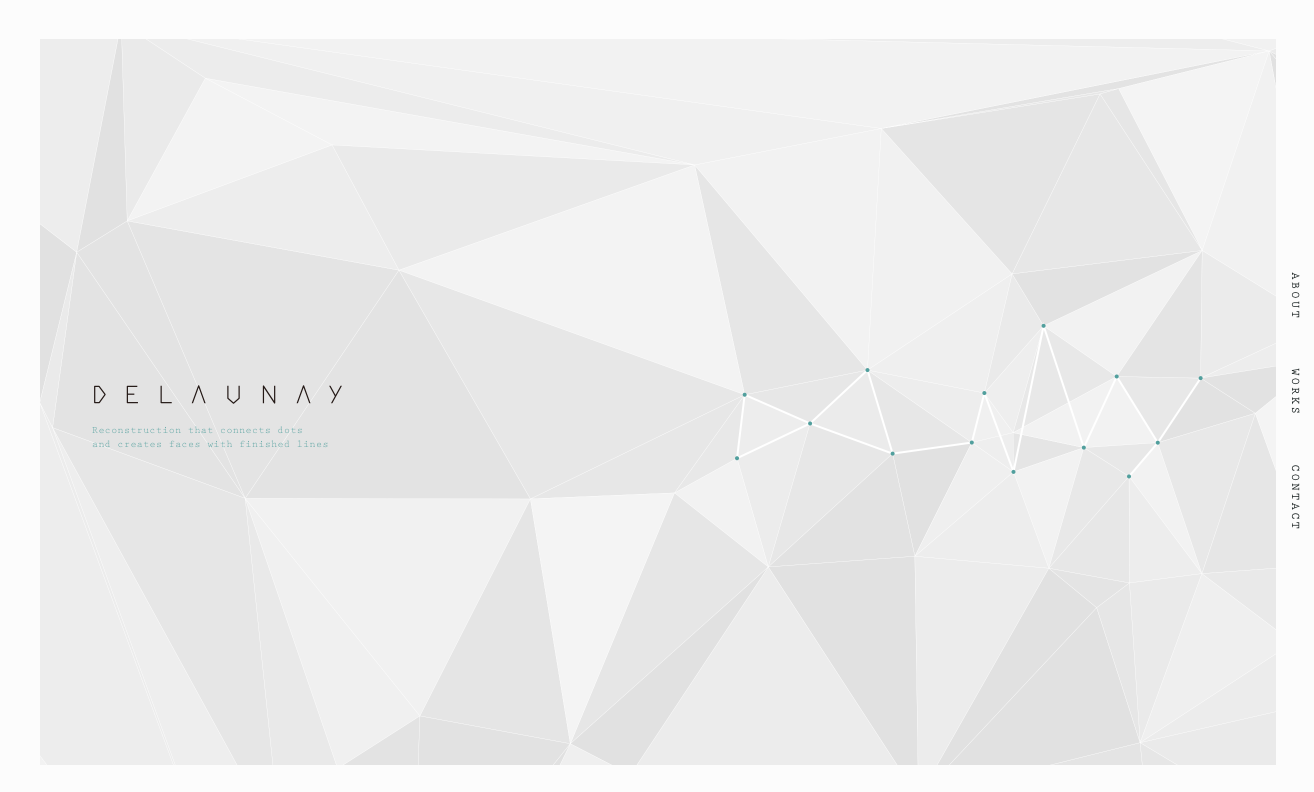
今回調べるのは Fibery のサイト。
https://fibery.io
背景に使っているボロノイ図をまねしてみるのが主目的。
ただ、かなりメモリを食うようだ。
ライブラリ
<script src="https://unpkg.com/d3-delaunay@5.1.6/dist/d3-delaunay.js"></script>まずこちら、d3-delaunayというドロネー図とボロノイ図のオブジェクトを生成できるライブラリを使用している。
<script>
  const canvas = document.getElementById("myCanvas");
  app(canvas, d3.Delaunay, window).run();
</script>
HTMLに記述されているこちらのコードで、Canvasに描画を開始する。
関数app()は、auto_simple.jsに記述されている。
2番目の引数のd3というのはライブラリが出力しているグローバルオブジェクト。
auto_simple.js
app()の中のrun()を呼び出しているので、まずはそこから見てみる。
    return {
        run() {
            const n = 64;
            const context = canvas.getContext("2d", {alpha: false});
            const particles = Array.from({length: n}, () => [Math.random(), Math.random(), 0, 0]);

            const randomWalk = (ref) => {
                ref[0] = keepInside(0, ref[0] + ref[2], 1);
                ref[1] = keepInside(0, ref[1] + ref[3], 1);

                const randX = 0.00003 * (Math.random() - 0.5);
                const randY = 0.00003 * (Math.random() - 0.5);
                ref[2] += randX - 0.005 * ref[2];
                ref[3] += randY - 0.005 * ref[3];
                return ref;
            };

            setupCanvasSize(canvas, context, getSizeInfo);

            const update = createUpdater({context, getSizeInfo});

            let cursor = [0, 0];
            canvas.ontouchmove = canvas.onmousemove = (event) => {
                event.preventDefault();
                cursor = [event.layerX, event.layerY];
            };

            // let evenFrame = true;
            window.requestAnimationFrame(function step() {
                const {width, height} = getSizeInfo();
                const [x, y] = cursor;
                if (x + y > 0) {
                    particles[0] = [x / width, y / height, 0, 0];
                }
                particles.forEach(randomWalk);
                update(particles, cursor);
                // evenFrame = !evenFrame;
                // if (evenFrame) {
                // }
                window.requestAnimationFrame(step);
            });

            window.addEventListener(
                'resize',
                debounce(300, () => setupCanvasSize(canvas, context, getSizeInfo)),
                false
            );
        }
    };
なぜかreturnで囲まれている。
            const randomWalk = (ref) => {
                ref[0] = keepInside(0, ref[0] + ref[2], 1);
                ref[1] = keepInside(0, ref[1] + ref[3], 1);

                const randX = 0.00003 * (Math.random() - 0.5);
                const randY = 0.00003 * (Math.random() - 0.5);
                ref[2] += randX - 0.005 * ref[2];
                ref[3] += randY - 0.005 * ref[3];
                return ref;
            };
定数のrandomWalk。ボロノイのノードが自動的にうろうろ動いている部分に相当するのだろうが、なぜ定数で表現されているのかが分からない。refという変数も宣言されていない。。。
何となくだが、randomWalkという定数に長さ4の配列を代入しているんだろうなとは思う。
ところで、関数keepInside()が呼ばれている。
    function keepInside(l, x, r) {
        const delta = (x < l)
            ? r
            : (x > r)
                ? -r
                : 0;
        return x + delta;
    }
これは2番目の引数xの値が何であっても必ずlとrの間(この場合0と1の間)の数を返す関数。
つまり、ref[2]、ref[3]がそれぞれx軸、y軸のランダムな変化量で、x座標、y座標に相当するref[0]、ref[1]を変化させつつ、0と1の間からはみ出させないようにするということっぽい。今のところ断定はできない。
refの初期値が分からないので何とも。
setupCanvasSize(canvas, context, getSizeInfo);次、setupCanvasSize()関数が呼ばれている。
    function setupCanvasSize(canvas, context, getSizeInfo) {
        const {scale, width, height} = getSizeInfo();
        // Set display size (css pixels).
        canvas.style.width = width + "px";
        canvas.style.height = height + "px";

        // Set actual size in memory (scaled to account for extra pixel density).
        canvas.width = width * scale;
        canvas.height = height * scale;

        // scale draw context
        context.scale(scale, scale);
    }
これはDOMのcanvasとそのcontextを引数としてCanvasのサイズをいい感じにする関数で、割と汎用的に使えそう。
引数にgetSizeInfoが入っているのはよく分からない。
    function getSizeInfo() {
        return {
            height: window.innerHeight,
            width: window.innerWidth,
            scale: window.devicePixelRatio,
        };
    }
getSizeInfo()関数自体は単純にウィンドウの高さ、幅、デバイスピクセル比を返すだけのもの。setupCanvasSize()関数の引数に入れる必要はあるのだろうか。
const update = createUpdater({context, getSizeInfo});次、createUpdater()関数が定数updateに代入されている。
    const createUpdater = ({ getSizeInfo, context }) => (particles, cursor) => {
        const { width, height } = getSizeInfo();
        const scaledParticles = particles.map(([x, y, ...tail]) => ([
            (x * width),
            (y * height),
            ...tail,
        ]));
        const delaunay = new Delaunay.from(scaledParticles);
        const voronoi = delaunay.voronoi([0.5, 0.5, width - 0.5, height - 0.5]);

        // context.clearRect(0, 0, width, height);

        context.fillStyle = "#A5F5E1";
        context.fillRect(0, 0, width, height);

        context.beginPath();
        voronoi.render(context);
        voronoi.renderBounds(context);
        context.strokeStyle = "#51E0B6";
        context.stroke();

        context.beginPath();
        delaunay.renderPoints(context);
        context.fillStyle = "#51E0B6";
        context.fill();

        const cells = Array.from(voronoi.cellPolygons());
        context.beginPath();
        cells[0].forEach(([x, y]) => context.lineTo(x, y));
        context.closePath();
        context.fillStyle = "#FFF";
        context.fill();
    };
ここの1行目の書き方を初めて見た。
const createUpdater = ({ getSizeInfo, context }) => (particles, cursor) => { some code };これは関数のカリー化というものらしく、書き換えると以下のようになるらしい。
const createUpdater = ({ getSizeInfo, context }) => {
    return (particles, cursor) => { some code };
};
ついでにアロー関数を従来の関数に書き直せば、以下のようになる。
const createUpdater = function ({ getSizeInfo, context }) {
    return function (particles, cursor) { some code };
};
関数の内容は描画の実体であり、ボロノイの線を引いたり点を打ったり、一つだけある白いセルを描いたりする処理が記述されている。
関数自体をcreateUpdaterという定数に代入しているので、ここはgetSizeInfoとcontextだけを特定した描画処理を定数の形で用意しておいて、後からparticlesとcursorを引数として最終的な処理を行えるようにしてあるということだろうか。
            window.requestAnimationFrame(function step() {
                const {width, height} = getSizeInfo();
                const [x, y] = cursor;
                if (x + y > 0) {
                    particles[0] = [x / width, y / height, 0, 0];
                }
                particles.forEach(randomWalk);
                update(particles, cursor);
                // evenFrame = !evenFrame;
                // if (evenFrame) {
                // }
                window.requestAnimationFrame(step);
            });
requestAnimationFrame()内の関数が、再描画のタイミングごとに読み込まれる。再描画は毎秒60回、あるいはディスプレイのリフレッシュレートに合わせて行われるらしい。要するにそのぐらいのスピードでループさせることによりアニメーションさせることができる。
particles.forEach(randomWalk);ここでようやくrandomWalkが出てきた。各ノードをランダムウォークさせていることが分かる。
定数に代入された関数はその場では実行されないということか。先ほどのcreateUpdaterも同じことだな。
update(particles, cursor);ランダムウォークさせた点でボロノイを描画する。
            window.addEventListener(
                'resize',
                debounce(300, () => setupCanvasSize(canvas, context, getSizeInfo)),
                false
            );
ここではウィンドウをリサイズしたときにcanvasやcontextのサイズを連動してリサイズさせている。
debounce()関数は何かというと、
    function debounce(interval, fn) {
        let prev = Date.now();
        let desc = null;
        return (...args) => {
            const next = Date.now();
            const diff = next - prev;
            prev = next;
            clearTimeout(desc);

            if (diff < interval) {
                desc = setTimeout(() => fn(...args), interval);
                return;
            }

            fn(...args);
        };
}きっちりとresizeイベントの負荷を抑制している(参考)。