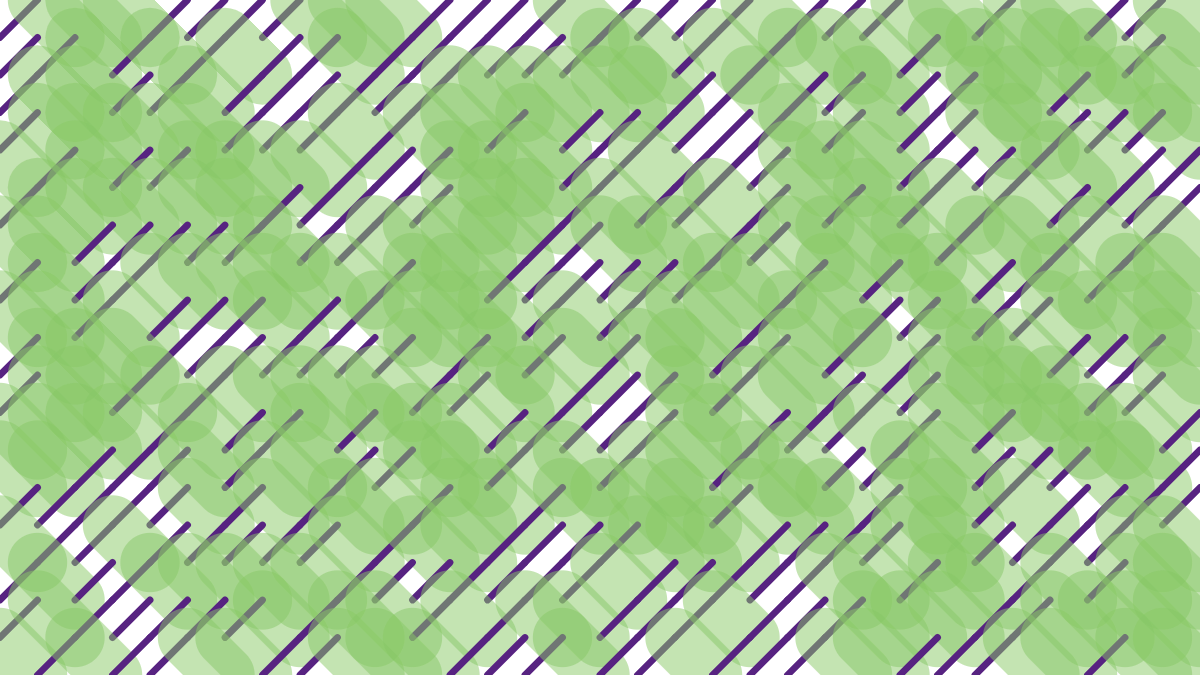
Generative Design with p5.js / Sketch P_2_2_6_01 を試しながらアレンジ。
元ネタ:https://editor.p5js.org/generative-design/sketches/P_2_2_6_01
新しく覚えたコマンドなど
pow(n, e)
// facilitates exponential expressions.
// n to the power of e (n^e)

p5.Vector.copy()
// gets a copy of the vector, returns a p5.Vector object.

p5.Vector.setMag(len)
// sets the magnitude of this vector to the value used for the len parameter.
ロジックのポイント
関節で連結された複数の腕が、各関節を中心に円運動を描く。一番内側の腕が一周する間に、各関節が描く軌跡を描画している。
腕ごとの回転速度の比を変えると、図形の角の数が変わる。
角の数は、一番内側の腕と二番目の腕の速度比で決定される。不思議なことに、2倍だと三角形、3倍だと四角形となる。
全体の図形はShapeというクラスに登録され、関節数、回転速度、腕の長さなどの各種属性と描画メソッドを持っている。
一番内側の腕の回転速度は、関節数が多いほど遅くしている。
this.speed = speed || (8 / pow(1.75, this.joints - 1) / pow(2, speedRelation - 1));回転速度は、外側にいくほど速くなる。
かつ、1本ごとに回転の向きを変えている。
var a = this.angle * pow(speedRelation, i);
// a is the angle where arm has rotated so far
// speedRelation is 2 by default
// i is the arm number from the center
if (i % 2 == 1) a = -a;
腕の回転角度と腕の長さの比から、次の関節に向けてのベクトルを生成し、前の関節のベクトルと合成することで座標を決定している。
var nextPos = p5.Vector.fromAngle(radians(a));
nextPos.setMag((this.lineLength / this.joints) * (this.joints - i));
nextPos.add(pos);
関節ごとに軌跡が配列に格納され、関節ごとの配列がpendulumPathという配列にさらに格納される。
関節ごとにforループで軌跡を描画している。